Tools · Visualisation
Nov 2024
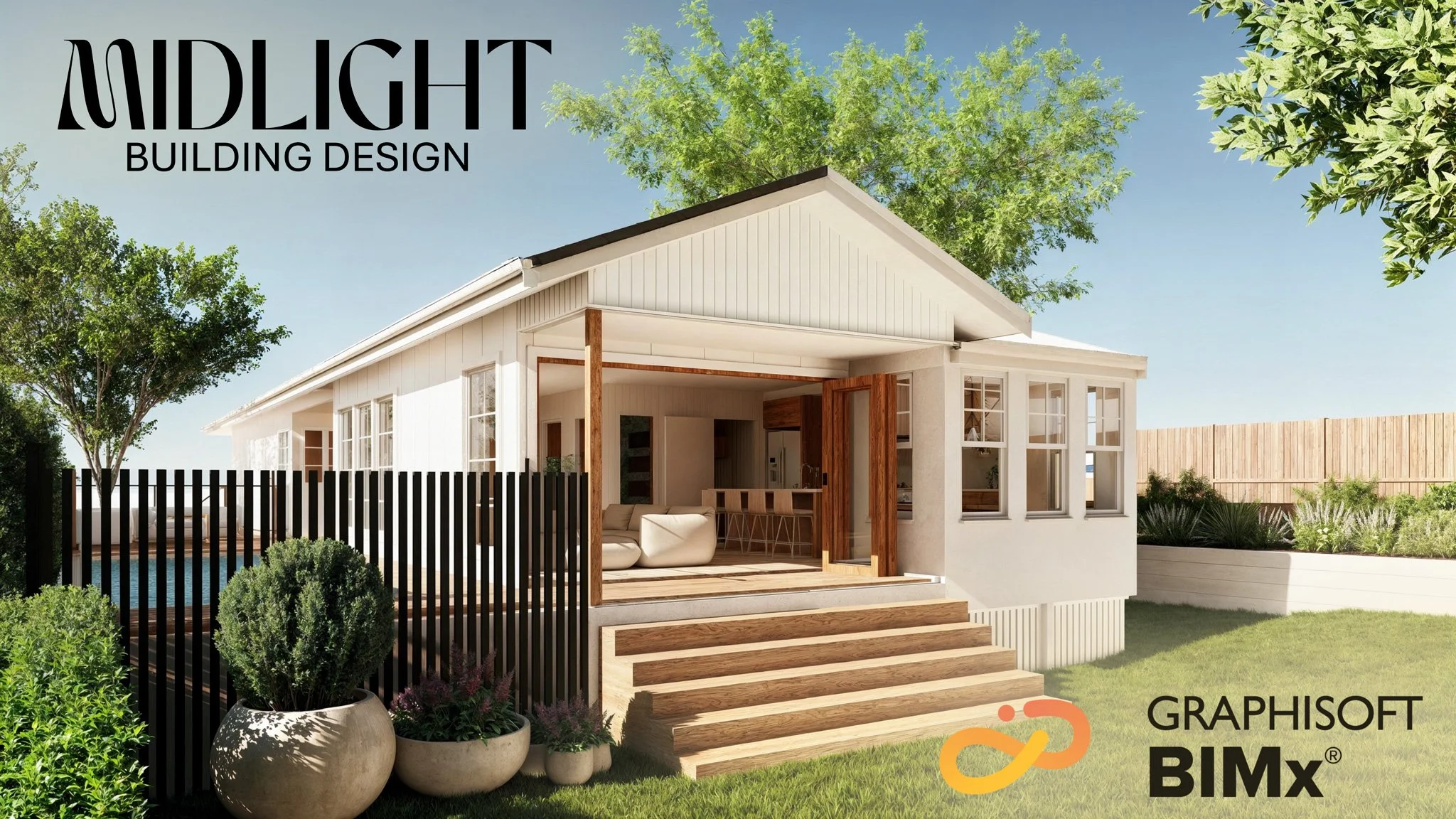
We are thrilled to introduce you to BIMx, an innovative tool from ArchiCAD that will transform the way you visualize and interact with your upcoming project. BIMx (Building Information Model eXplorer) is a cutting-edge application that brings your architectural designs to life in a fully immersive 3D environment.
Imagine this: Walking through the hallways of your new building, exploring each room, and experiencing the flow of spaces—all before construction even begins. With BIMx, you can navigate your project on your computer, tablet, or smartphone as if you were actually there. Open doors, climb stairs, and view your project from any angle with just a swipe or a click.
Why is BIMx so exciting for you?
Interactive Exploration: Move through your project at your own pace, exploring every detail that matters to you.
Walk Before You Build: Explore the design at lived scale, identify what doesn't feel right, and feed that back to us. We update the model in ArchiCAD and re-publish — turnaround is usually 24–48 hours. Cheaper to move a wall in 3D than to move it on site.
Enhanced Communication: Share your thoughts effortlessly as you experience the design firsthand, ensuring that your vision is fully realized.
Accessibility: Access the 3D model anytime, anywhere—whether you're at home, in the office, or on the go.
For builders, BIMx serves as an invaluable tool to understand the intricacies of the design, reducing misunderstandings and streamlining the construction process. It bridges the gap between the initial concept and the finished product, making collaboration smoother and more efficient.
Join Us in Shaping Your Dream Project
By choosing to work with us, you're not just getting a design—you're embarking on an interactive journey to create something truly special. BIMx empowers you to be an integral part of the process, making the experience both engaging and enjoyable.
Quick Guide: How to Download and Run a BIMx Model
For iPhone:
Download the BIMx App: Go to the App Store on your iPhone, search for BIMx, and tap Get to install.
Download the BIMx Model: Open the link where the BIMx model is provided (on a website or email) and tap the link to download.
Save the Model to Files: Once downloaded, tap the Share icon, select Save to Files, and choose a folder to save the model.
Open and Run the BIMx Model: Open the Files app, find the model, and tap it. It will open in the BIMx app automatically.
For Android:
Download the BIMx App: Go to the Google Play Store, search for BIMx, and install.
Open the model: Tap the link we send, choose "Open in BIMx", and the model launches automatically. On most Android phones it'll save to your Downloads folder for offline use after first open.
For PC and Mac:
Download the BIMx App: Visit the Graphisoft website and download the BIMx Desktop Viewer for Windows or Mac. Install it.
Run the BIMx Model: Double-click the downloaded
.bimxfile once the app is installed, or open BIMx Desktop Viewer and use File > Open to select the model.
For Web (no install):
Most of our clients now use the web viewer at bimx.graphisoft.com. We send you a hypermodel link; you click it in any browser; you're walking the design in 60 seconds with nothing installed. Works on Mac, Windows, and tablets. The native apps still win for full quality and offline review, but the web viewer is the lowest-friction option for a quick look.
Where this is going
Graphisoft launched BIMx for Apple Vision Pro in late 2024 — you can now walk a not-yet-built house at 1:1 scale wearing a headset, with hand interaction and spatial audio. For clients who can't read a floor plan, that step from "I'm guessing what this room will feel like" to "I'm standing in it" is the single biggest unlock in design communication of the last decade. Expect this to be standard practice across the industry by 2028. We're already using it on projects where the brief is unusual or the client is investing heavily in custom work.
If you'd like a BIMx walkthrough of your project before construction starts, get in touch.
By Ashton Genrich — Building Design — Open, QBCC 15387939